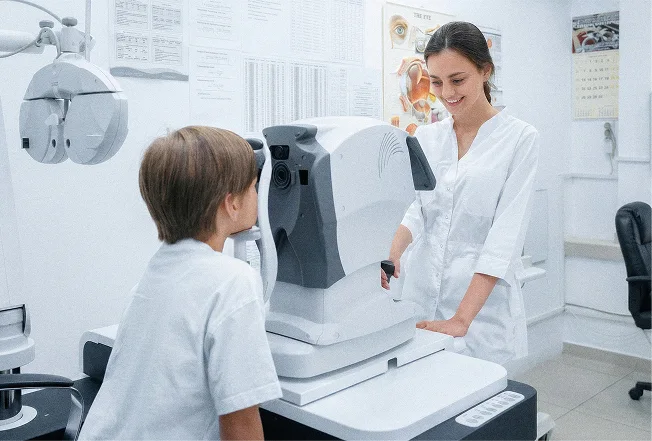
Tennor home section backgroundTennor illustration for ophthalmology centers
+4 million calls and patients handled

A solution designed for the demands of ophthalmology

A high volume of calls, tight appointment lead times, varied examinations. Tennor automates patient calls, appointment booking, consultation-reason qualification and patient follow-up.


ovision
capvision
ophtacentre white
ovision
capvision
ophtacentre white
Down arrow
Tennor petal visualTennor petal visualTennor brand mark

Solution

Patient call management, rethought & optimised by AI

Tennor, a voice AI dedicated to healthcare institutions, answers calls, makes appointments, relaunches patients and integrates directly with your business software to update your agenda in real time.

Incoming calls

Reception & patient calls

100% of calls answered

80% of calls automated

+15% of appointments

Tennor takes care of all of your patient communications and secures appointment scheduling.

Tennor illustrative image
Checkmark icon

Making an appointment

Create, modify or cancel appointments in a few seconds, synchronized with your agenda.

Checkmark icon

Answers to patients

Automatic answers to frequent questions: opening hours, address, fees and extra charges, health insurance cover, prescriptions, instructions before an examination…

Checkmark icon

Priority case management

Identification of ophthalmic emergencies (sudden loss of vision, eye pain, splash injury, foreign body) and direction to the right slot or the right practitioner thanks to an intelligent understanding of requests.

Illustration of inbound calls handled by Tennor
Outgoing calls

Patient follow-up & reminders

3 hours saved / day / secretary

-50% of no-shows

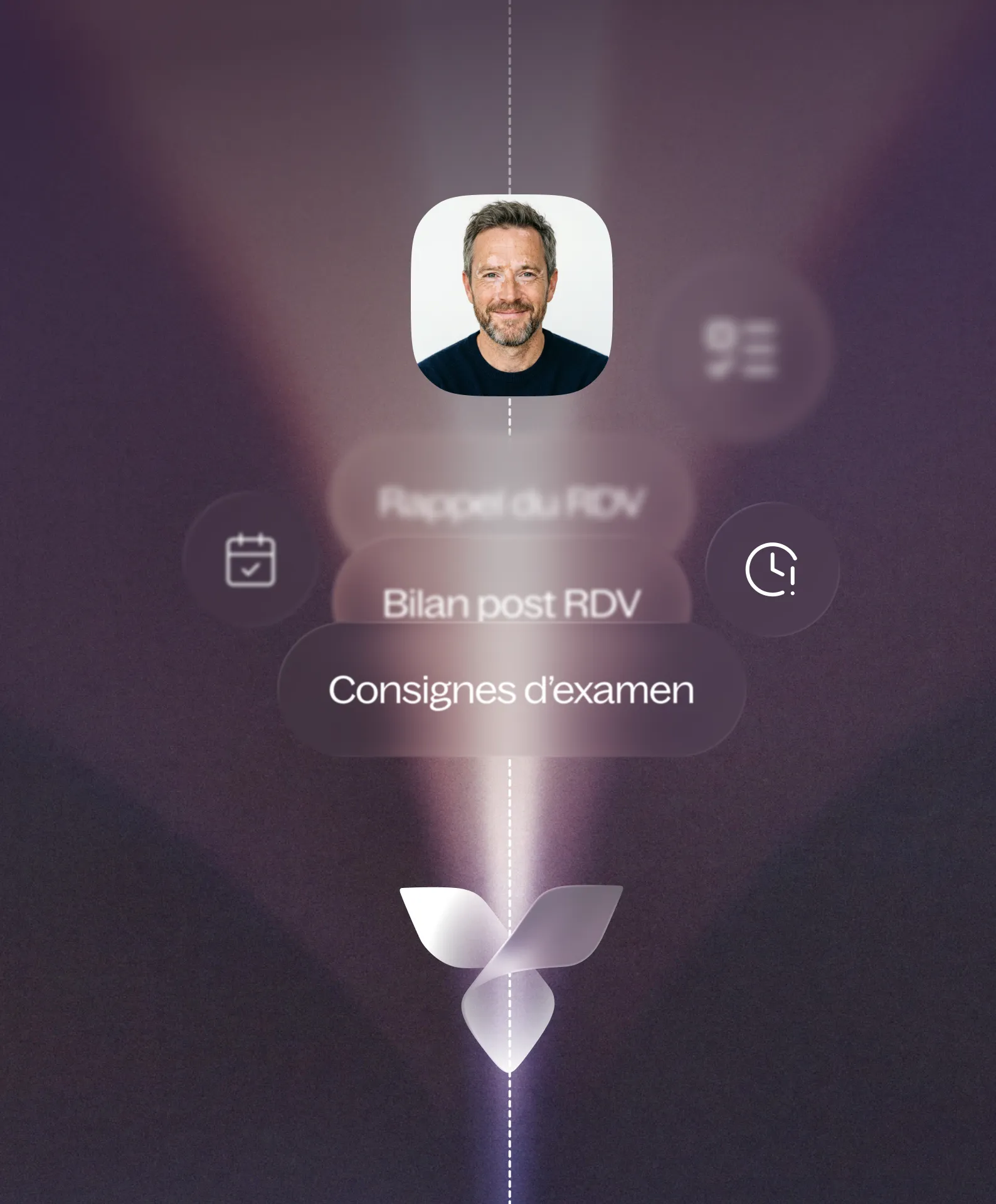
Tennor automates reminders, confirmations and patient communications to secure appointments and streamline the care journey.

Tennor illustrative image
Checkmark icon

Confirmation of appointment

Automatic confirmations and patient reminders to limit absences and secure your schedule.

Checkmark icon

Pre-exam instructions

Automatic sending of instructions before an examination (contact lens removal, arranging an escort in case of pupil dilation, bringing old glasses prescriptions…) to guarantee properly prepared patients.

Checkmark icon

Automated campaigns

Targeted multichannel campaigns to inform, follow up with or recontact patients, in particular for annual check-ups and correction renewals.

Checkmark icon

Patient follow-up

Illustration of outbound calls handled by Tennor
Multichannel

Patient follow-up & reminders

+15% of appointments

-50% of no-shows

Tennor communicates with your patients on the right channel at the right time. Calls, texts or e-mails: each interaction is designed to inform, reassure and streamline.

Tennor illustrative image
Phone icon, patient call

Voice calls: reassure immediately

24/7 instant response, intelligent qualification and emergency detection. Each patient gets a clear answer.

Message icon, patient SMS notification

SMS: anticipate appointments

Personalized reminders and adapted instructions. Tennor reduces no-shows and prepares patients before they come.

Envelope icon, email contact

Emails: extend follow-up

Summary of appointments, documents and useful information for simple and reliable patient follow-up.
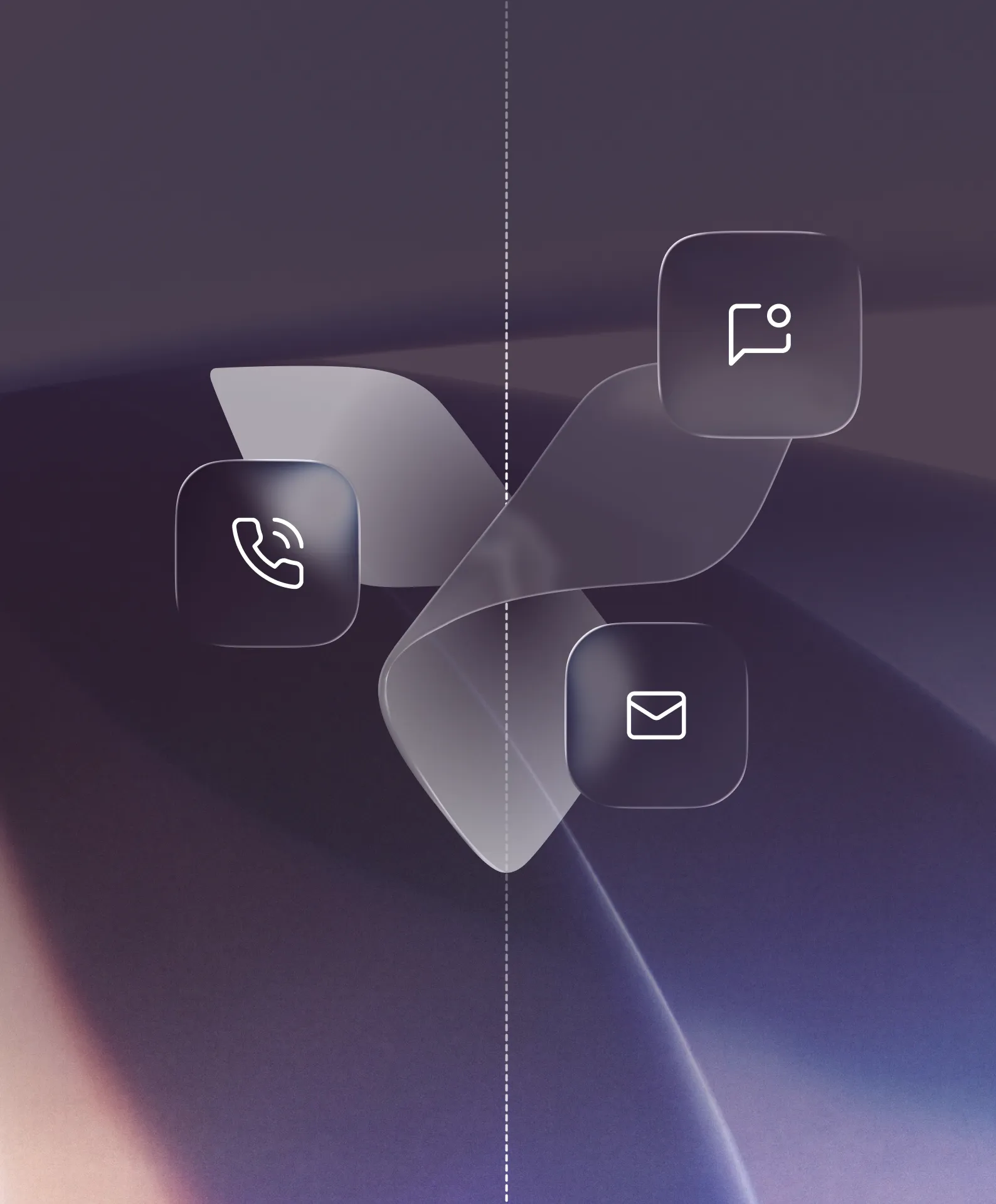
Illustration of Tennor multichannel handling of patient requests
Appointment notifications sent to patients by Tennor
A day with Tennor
9:15
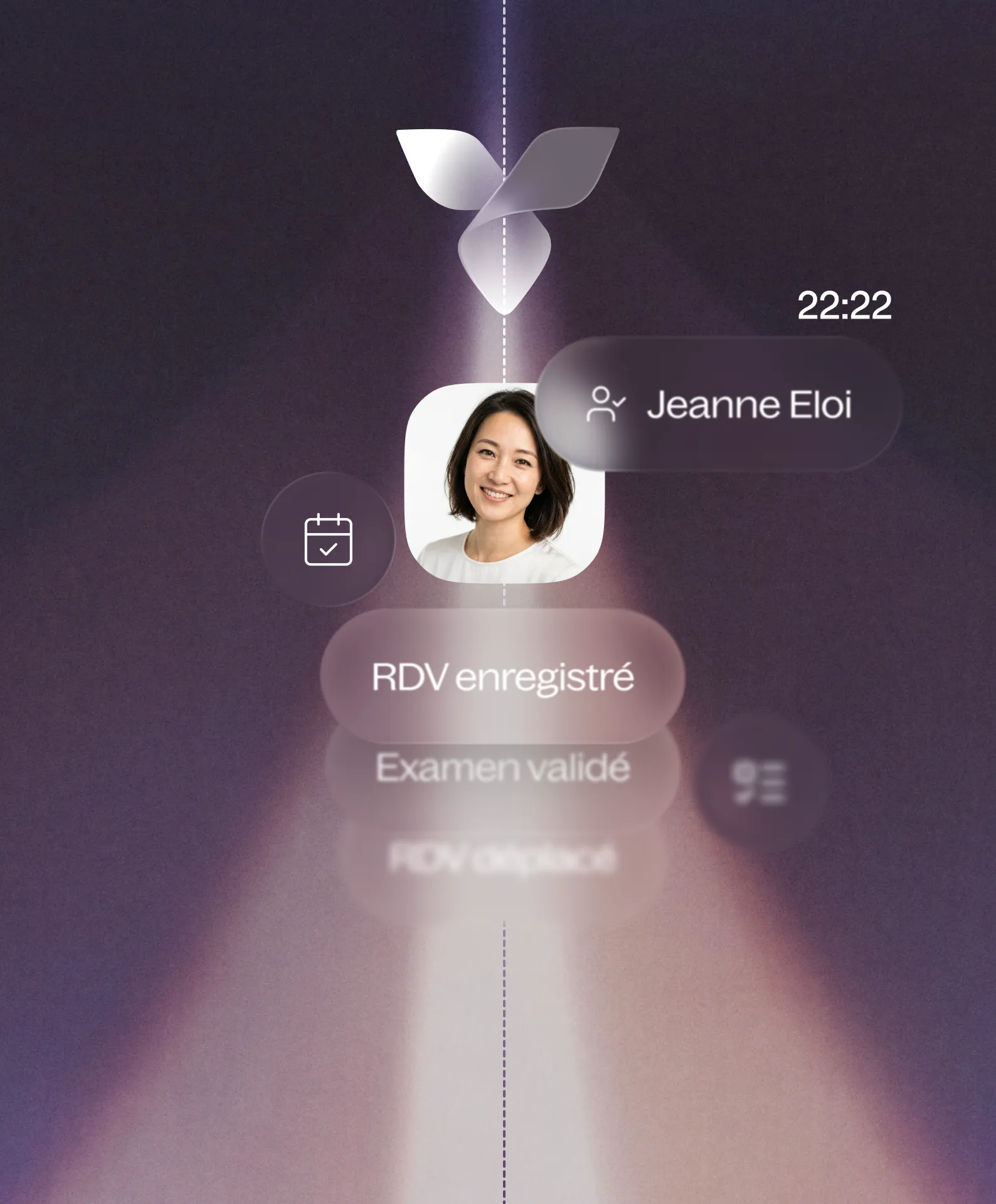
New appointment added to the agenda
Tennor automatically recorded Ms. Dupont's fundus examination appointment.
Incoming call icon
09:42
Appointment change recorded
Tennor automatically moved Mr. Martin's OCT examination to 11:30.
Incoming call icon
10:05
Reminder 24 hours before exam
Reminder sent to Ms. Lefevre for her visual field test.
Outgoing call icon
10:28
Appointment cancellation recorded
Tennor took into account the cancellation of Mr. Bernard's consultation.
Incoming call icon
11:45
Pre-exam instructions sent
Instructions sent to Mr. Petit before his examination with pupil dilation.
Outgoing call icon
12:20
Late patient reported
Tennor has detected that Ms. Roux will be late for her appointment.
Incoming call icon
13:05
Reminder to make an appointment
Follow-up sent to Mr. Durand to schedule his annual glaucoma check-up.

Outgoing call icon
16:40
Post-examination follow-up carried out
Follow-up call made to Mr. Leclerc after his cataract surgery.
Outgoing call icon
Tennor call metrics icon
Calls handled
143
Tennor call metrics icon
Missed calls
0
Tennor call metrics icon
Appointments booked
87
Tennor call metrics icon
Priority cases transferred
12
Tennor call metrics icon
Time saved
4 hours
Tennor brand mark

A personalized solution

An AI configured around the requirements of your practice

Tennor adapts to your protocols, your examination types and the organisation of your sites to guarantee a smoother, more reliable journey, perfectly aligned with your operational requirements.

Checkmark icon

AI configured to your protocols

3 hours a day saved. Tennor adapts to the organisation of your structure, your examination protocols, your medical priorities and your internal workflows to guarantee consistent handling of every patient call.

Checkmark icon

Multi-site and multi-structure configuration

Each center, each group can have its own rules, slots, instructions and priorities, without forced standardization.

Checkmark icon

Examination qualification

Tennor takes your qualification rules, the reason for consultation and the degree of urgency into account to direct each patient to the right examination and the right practitioner, under the right conditions.

Checkmark icon

Pre-exam instructions

Contact lens removal, an escort to arrange in case of dilation, old prescriptions to bring, treatment to report or special instructions: Tennor automatically sends the patient the information suited to their examination.

Checkmark icon

Specialised examinations

Tennor takes vigilance points into account according to your protocols: examinations requiring dilation, pre-operative assessments, glaucoma or AMD follow-up, or situations requiring additional validation.

Checkmark icon

Patient follow-up

Reminders, appointment confirmations, check-up follow-ups, post-operative follow-up and journey continuity: Tennor helps streamline patient follow-up without increasing the reception workload.

Integration with your tools

Tennor petal visualTennor petal visual
Tennor dashboard showing patient call data

The impact on your center

Tennor is chosen for its excellence

Co-built with ophthalmology practices and centres, Tennor adapts to the reality of each structure. Each workflow is set up with your teams, so that the AI speaks exactly the language of your organisation.

3 hours/day saved

Time saver

3x cheaper than an outsourced secretariat

Economies

Up to 100 simultaneous calls
+15% of appointments booked

Treatment efficiency

100% of calls answered,
0 lost calls

Reliability

-50% of no-shows
24/7 availability

Patient experience

RGPD & HDS compliant

Security & compliance
ovision
ophtacentre white
capvision
ovision
ophtacentre white
capvision

Testimonials

Adopted by hundreds of institutions

Tennor adapts to each specialty, to your medical software and to your protocols to offer a personalised solution.

Appointment notifications sent to patients by Tennor
Mylène Trabaza
Mylène Trabaza
Cap Vision Group

CareCall has simplified my call and appointment management, allowing me to stay focused and save time. The tool is seamless, constantly evolving, and easily adjusts my appointments.

Heart icon, patient relationship
List icon, missed calls
Stopwatch icon, phone hold time
Right arrow
Right arrow
Tennor brand markTennor petal visualTennor petal visual
Tennor frequently asked questions section background

FAQ

Frequently asked questions

Everything you need to know to effectively deploy a solution dedicated to ophthalmology within your structure

Contact the Tennor teamContact the Tennor teamContact the Tennor team
Are consultation reasons correctly qualified?
Dropdown menu chevron
Yes. Tennor identifies the reason (simple consultation, fundus examination, OCT, visual field, pre-operative assessment) and the degree of urgency to direct the patient to the right examination and the right slot, before the appointment is confirmed.
How are instructions before an examination with dilation handled?
Dropdown menu chevron
For each relevant booking, Tennor automatically sends the appropriate instructions (arrange an escort, do not drive after the examination, remove contact lenses), by call, SMS or e-mail.
Is multi-site coordination possible?
Dropdown menu chevron
Yes. Tennor manages several sites, each with its own time slots, practitioners, modalities and instructions, while offering a consistent patient experience.
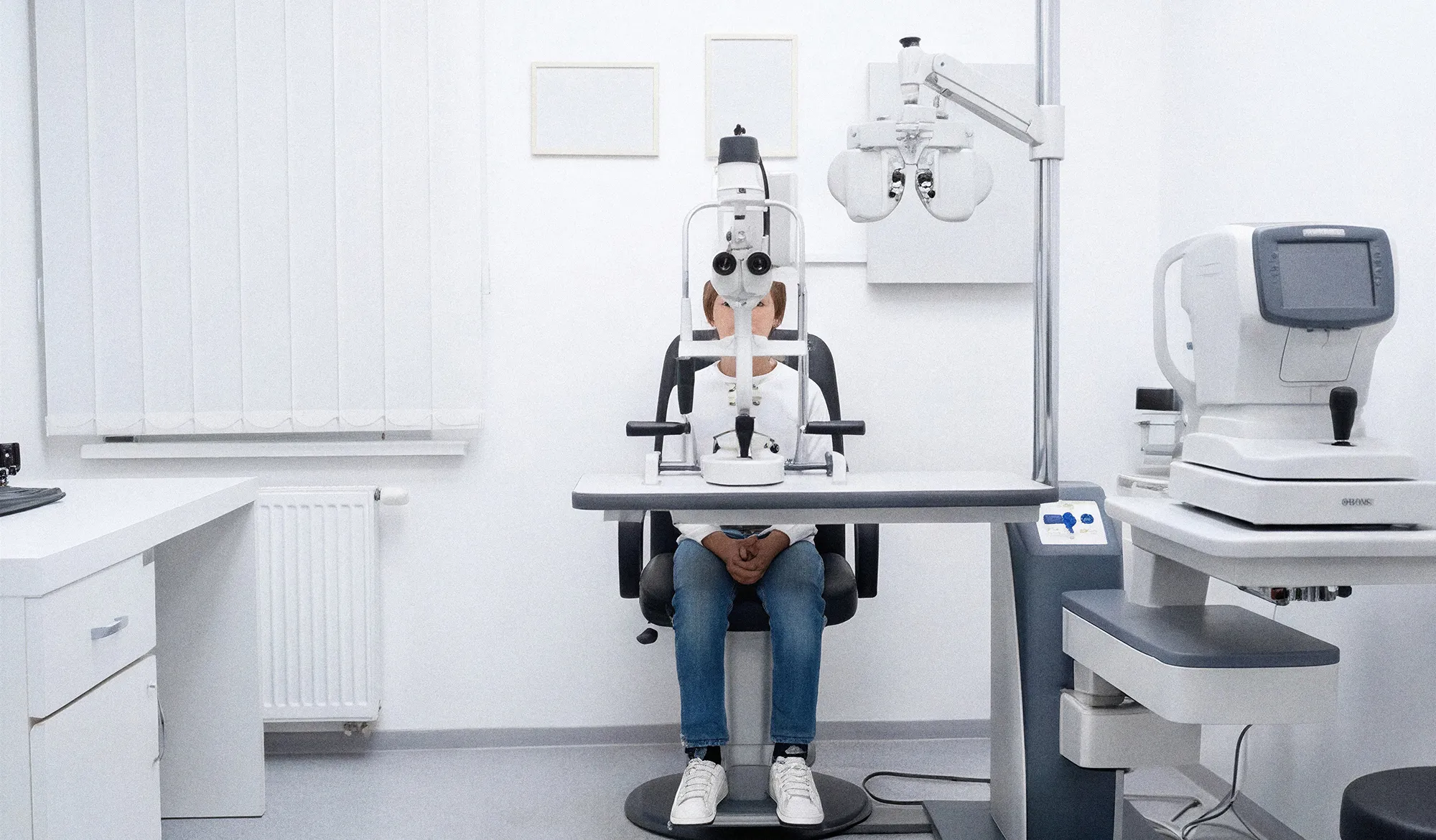
Ophthalmology center equipped with the Tennor voice AI